1Password Linux: fatal: cannot exec ‘/opt/1Password/op-ssh-sign’: No such file or directory
Table of Contents
I’m using 1Password to store my SSH keys - recently i noticed that the git sign process started to fail
❯ git commit -m "very important change"
fatal: cannot exec '/opt/1Password/op-ssh-sign': No such file or directory
error:
fatal: failed to write commit object
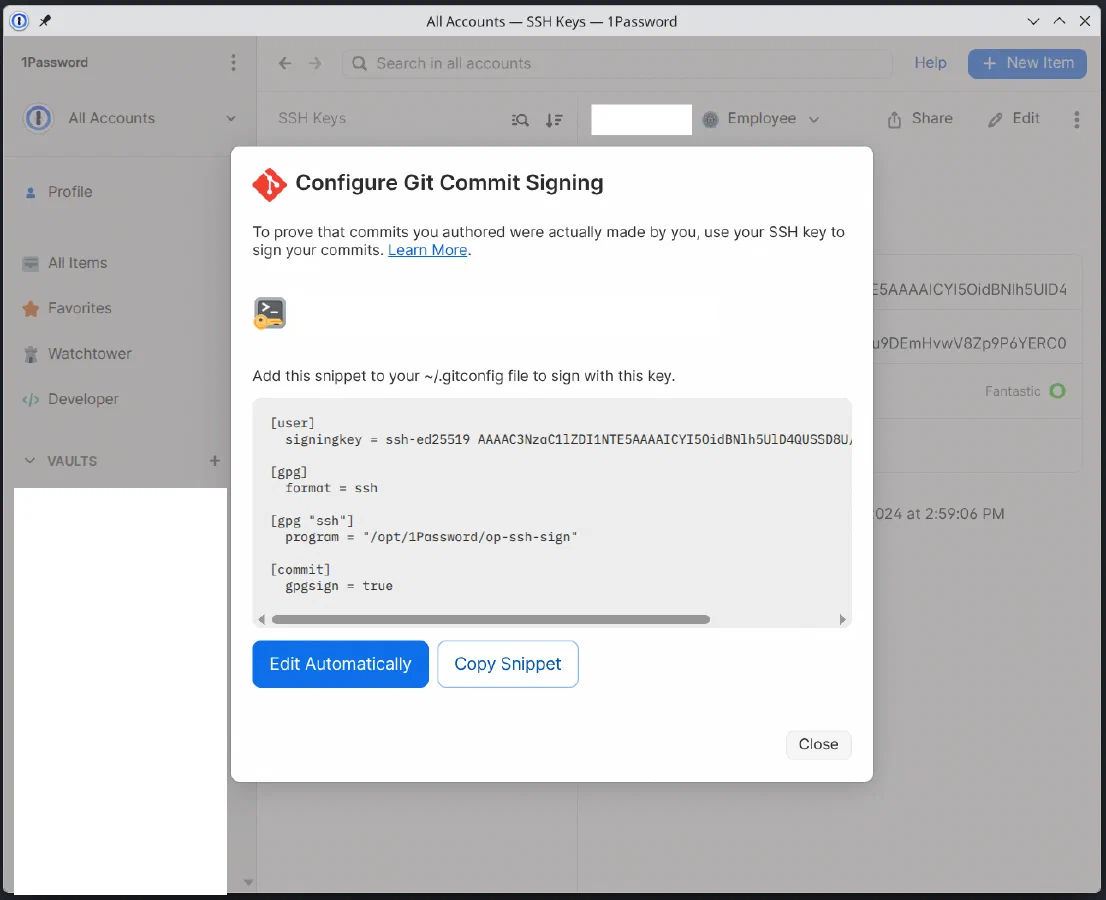
It turns out, that the op-ssh-sign has been moved from /opt/1Password/op-ssh-sign to /usr/share/1password/op-ssh-sign. After editing the ~/.gitconfig to use the new path, it started working again. What’s weird, is that in the “Configure Commit Signing…” popup, the automatic setup still uses the /opt directory. Not sure on which version precisely i got broken, but it is still broken on 1Password for Linux 8.12.24 (81224034)